Manage Tags
Procedure
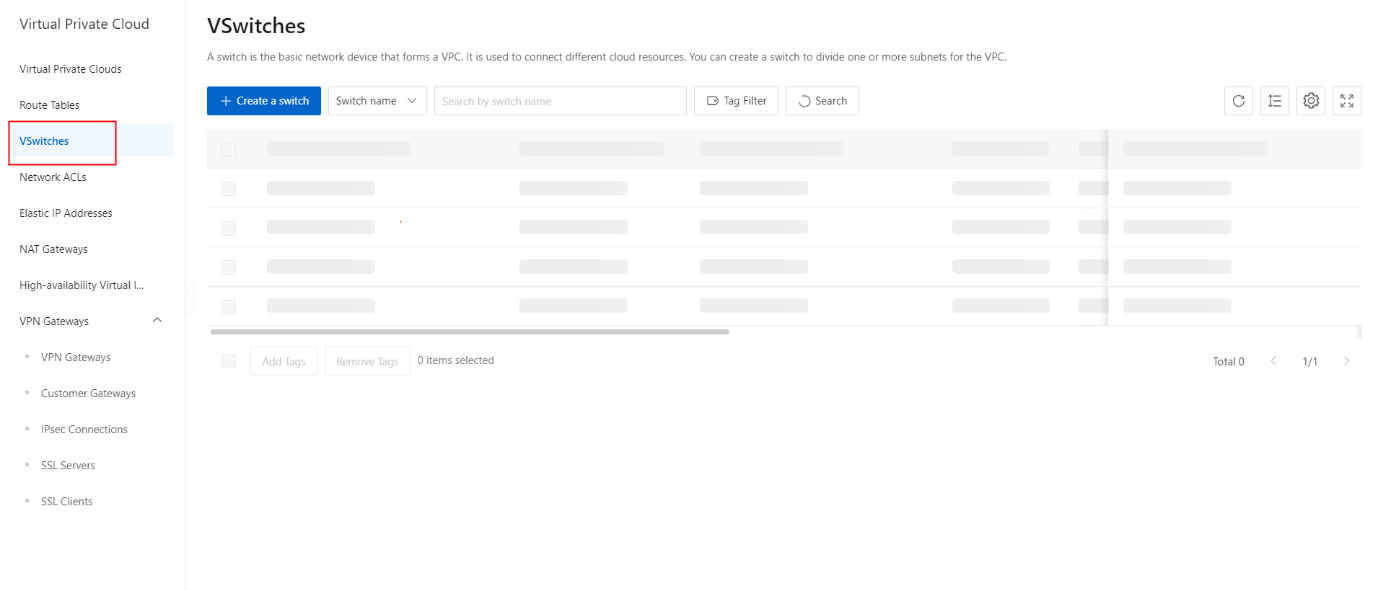
- In the left-side navigation pane, click VSwitch.
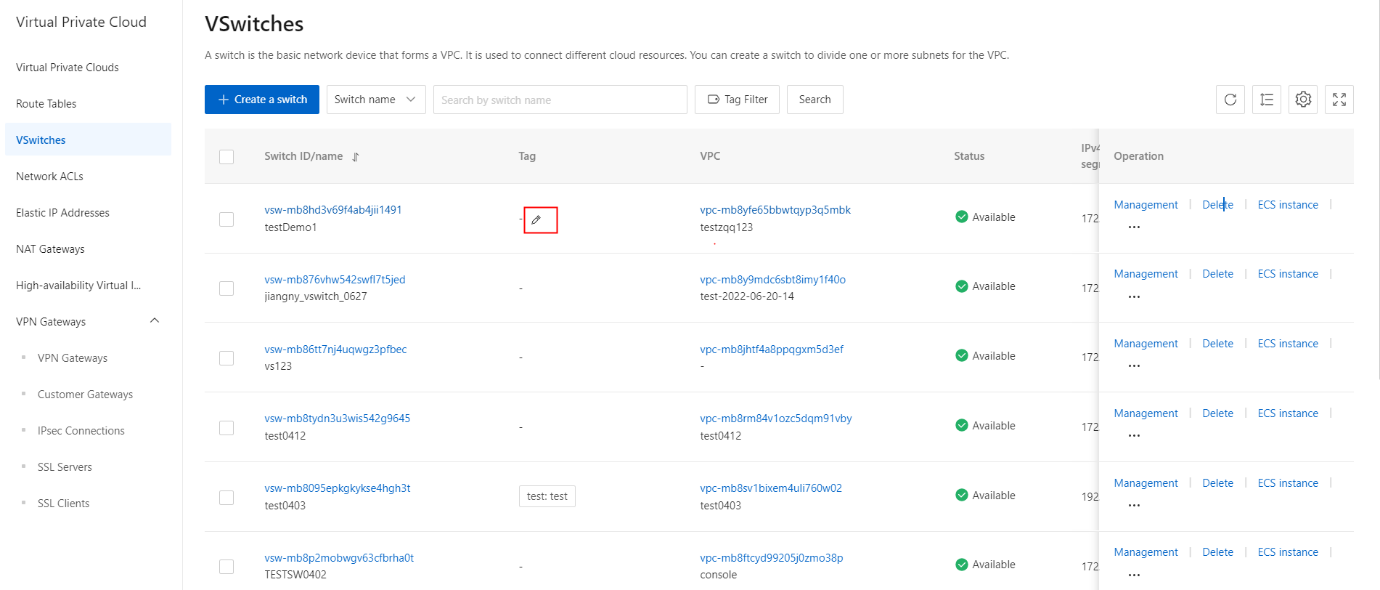
- On the VSwitch management console page, select the target VSwitch instance, hover the mouse under the Label column or to the right of the existing label, and click the Edit icon.
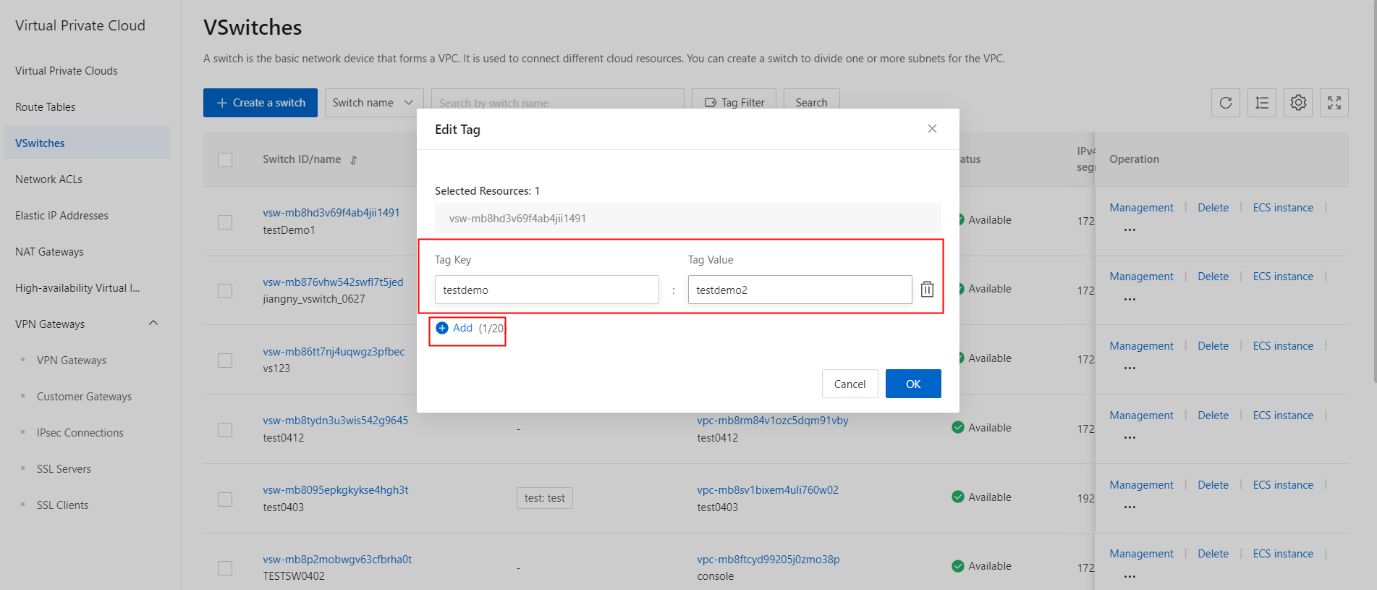
- In the Edit Label dialog box, click Add, configure the label, and then click OK.